Everything You Can Do with ReadHolmes: AI Tools, PDF Utilities & More
Readholmes Editorial Team
July 28, 2026
0
Streamline Your Workflow: A Deep Dive into the 14 Essential Tools on ReadHolmes
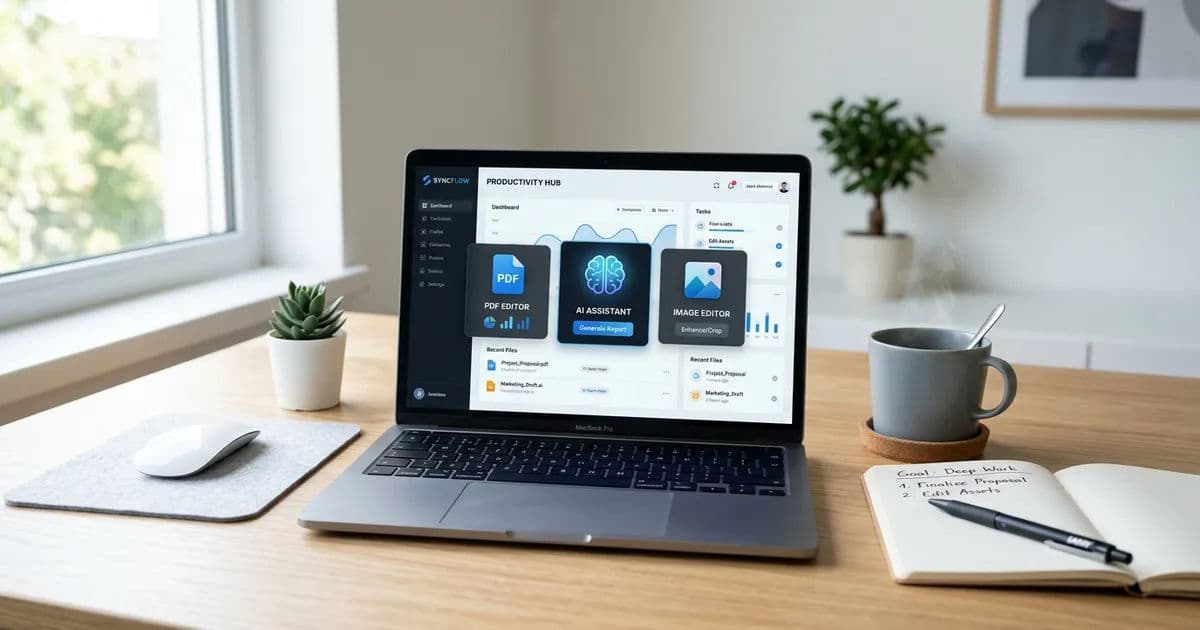
ReadHolmes has a centralized hub of 14 distinct tools. Instead of hunting for disparate web services, you can handle PDF manipulation, AI-powered study assistance, and image processing in one place. This article breaks down how these tools work and, more importantly, how they can save you time.
The PDF Toolkit: Mastering Document Management
PDFs are the universal standard for document sharing, but they are notoriously difficult to edit without the right software. ReadHolmes includes five core utilities to help you manipulate documents without needing heavy, paid software installations.
Tool
Primary Use Case
PDF to Word
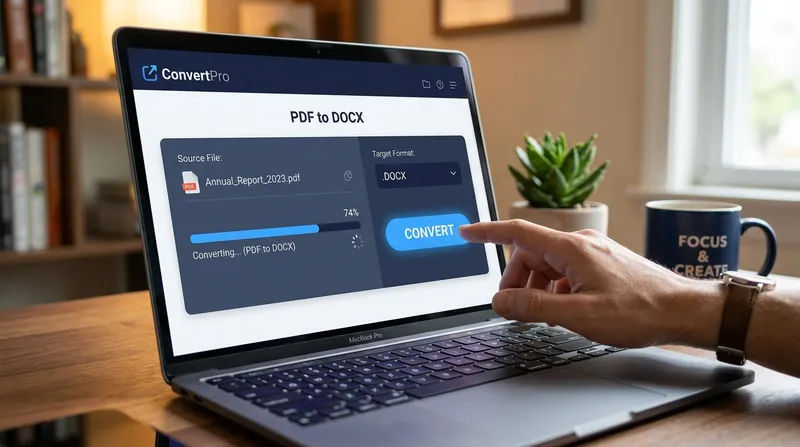
Converting read-only documents into editable .docx files.
Word to PDF
Creating professional, locked-layout documents from text files.
Compress PDF
Reducing file size for easier email attachments.
Merge PDF
Combining multiple reports or chapters into one file.
Split & Extract
Isolating specific pages from long documents.
Tip: The Split & Extract tool is particularly useful when you only need to share a single chapter or page range from a massive 500-page manual, preventing you from sending unnecessary data.
AI-Powered Study Tools: Learning Smarter, Not Harder
Studying effectively isn't just about reading more; it is about retaining information. ReadHolmes integrates AI to bridge the gap between passive reading and active learning.
Lecture Summarizer
Instead of re-reading a 50-page slide deck, the Lecture Summarizer condenses your materials into high-level concepts. It is best used for quickly refreshing your memory before a discussion or identifying the core themes of a complex topic.
PDF to Quiz Generator
Active recall is the gold standard for memory retention. This tool automatically turns your study notes into an interactive quiz. It forces you to engage with the material rather than just highlighting text.
Past Question Analyzer
Perhaps the most strategic tool in the suite, this AI analyzes previous exam papers to identify recurring themes and frequently tested topics. This helps you prioritize your study time on what actually matters, rather than getting lost in low-yield information.
Warning: While AI tools are excellent for summarizing and structuring, they should be used as a supplement to your main study materials, not a replacement for attending lectures or reading primary texts.
Image Processing: The Creative and Utility Arsenal
Image editing often requires expensive software like Photoshop, but for day-to-day tasks, you need speed. ReadHolmes provides six tools that cover 90% of common image-related needs.
Image Compressor: Perfect for optimizing web images or preparing photos for email without losing visible quality.
Image Converter: Supports modern formats like AVIF, alongside standards like JPG and PNG, ensuring compatibility across different platforms.
Image Resizer: Essential for standardizing dimensions, especially when you need to match specific aspect ratios for social media or professional portfolios.
Background Remover: A quick way to isolate subjects, which is incredibly useful for e-commerce product shots or creating clean profile pictures.
Image to Text (OCR): This tool extracts text from images or scanned documents, saving you from manual data entry.
Passport & ID Photo Maker: A niche but highly practical tool that generates compliant ID photos with a 6-photo print layout, saving you a trip to a pharmacy or photo booth.
Frequently Asked Questions
Are these tools free to use?
Yes, ReadHolmes provides these tools as a utility service for users. It is designed to be accessible without the need for expensive subscriptions.
Is my data secure when uploading files?
ReadHolmes prioritizes user privacy. When you process files, they are handled for the specific task requested. However, always avoid uploading highly sensitive or confidential personal financial information to any third-party web-based tool.
Do I need to install any software?
No. All 14 tools are browser-based, meaning they work on any device be it a PC, Mac, tablet, or smartphone as long as you have an internet connection.
Summary: Why Choose a Centralized Toolkit?
The value of ReadHolmes lies in its simplicity. By consolidating PDF management, AI-enhanced study aids, and essential image processing into one ecosystem, it eliminates the need to manage multiple accounts or learn different interfaces.
For Students: The study suite provides a competitive edge in exam preparation.
For Professionals: The PDF and image tools handle the mundane tasks, freeing up time for high-value work.
If you find yourself frequently switching between file converters and editors, bookmarking a single, versatile platform like ReadHolmes can significantly declutter your digital workflow.
Share this article
Comments (0)
No comments yet. Be the first to comment!
R
Written by
Readholmes Editorial Team
Contributing writer at Readholmes. Our authors are passionate about delivering accurate, well-researched content to help readers make informed decisions.
Inside the Scholarship Interview Panel: What the Judges Are Actually Looking For in the First 90 Seconds
Master the critical opening moments of your scholarship interview. Learn how to navigate the psychology of first impressions, align with your panel's expectations, and turn the first 90 seconds into your greatest advantage.
The Global Quest: Where to Study Medicine in English for Free (Or Close to It)
Dreaming of a medical career without the crushing weight of student debt? Explore the surprising countries offering English-taught medical programs that are tuition-free or highly affordable, and learn the reality behind the global medical education landscape.
How to Use AI Tools to Build a Scholarship Application That Stands Out Without Sounding Like a Robot
Master the art of using AI for scholarship applications by turning it into a brainstorming partner rather than a ghostwriter. Learn how to craft authentic, compelling essays that capture your unique voice and experiences.